Strategy
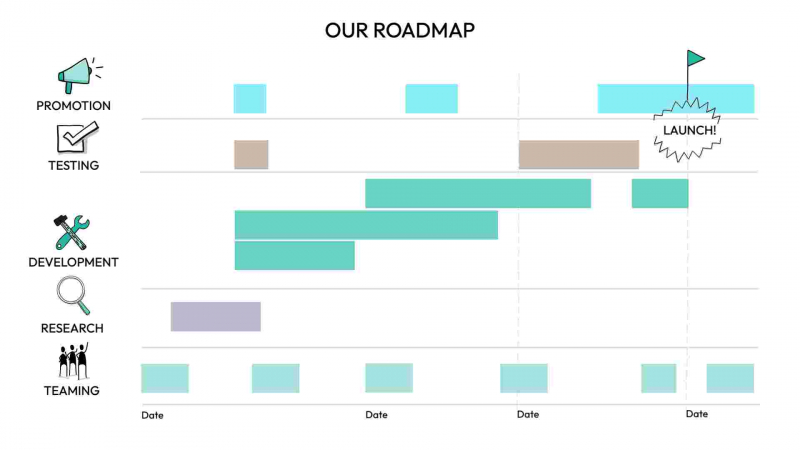
Roadmap
Visualise major milestones, streams of effort and the teams involved.
Use this templateView template details →
Visual storytelling with Drawify
Drawify is a visual storytelling tool that combines AI, hand-drawn artwork from professional artists and easy editing to help you explain any idea.
Built-in Drawify templates
Every preview below is an actual template available in Drawify.
Visualise major milestones, streams of effort and the teams involved.
Use this templateView template details →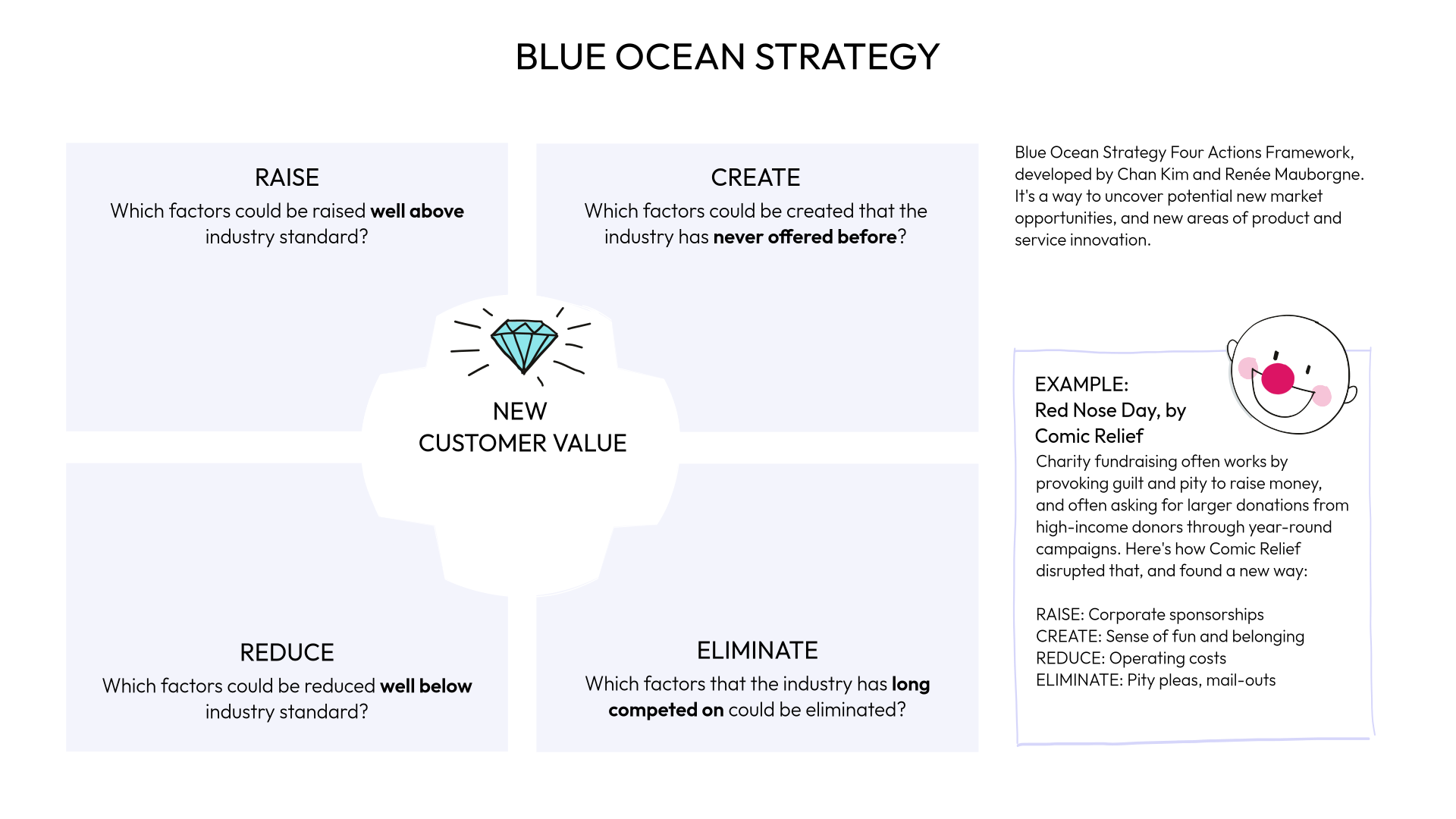
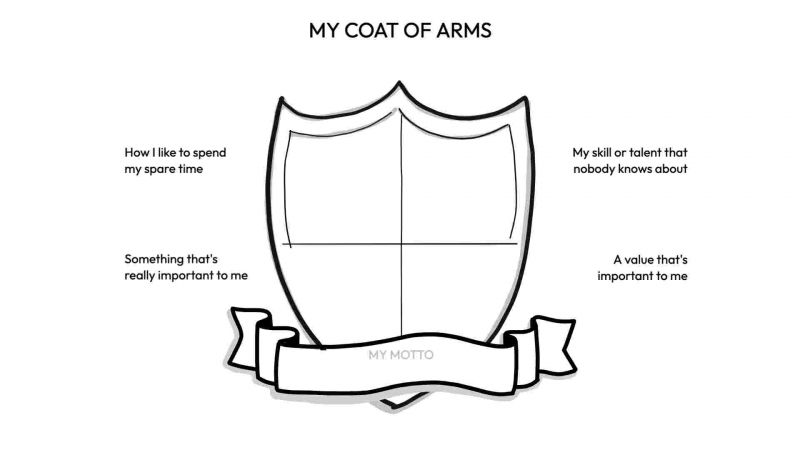
A workshop warm-up for sharing values, strengths and personal context.
Use this templateView template details →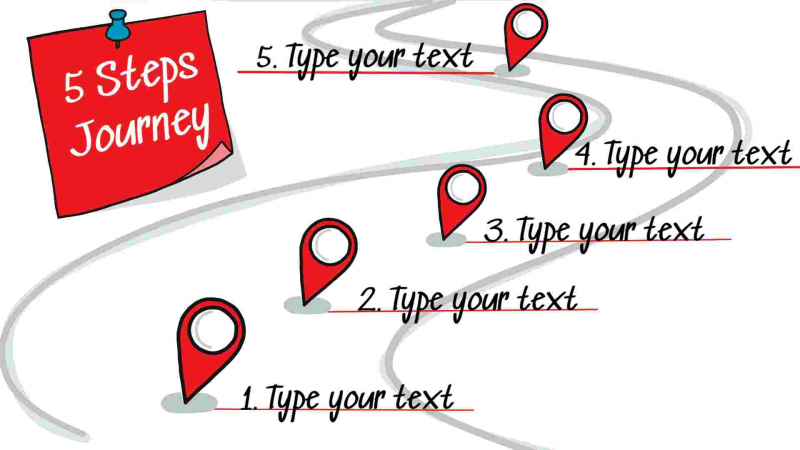
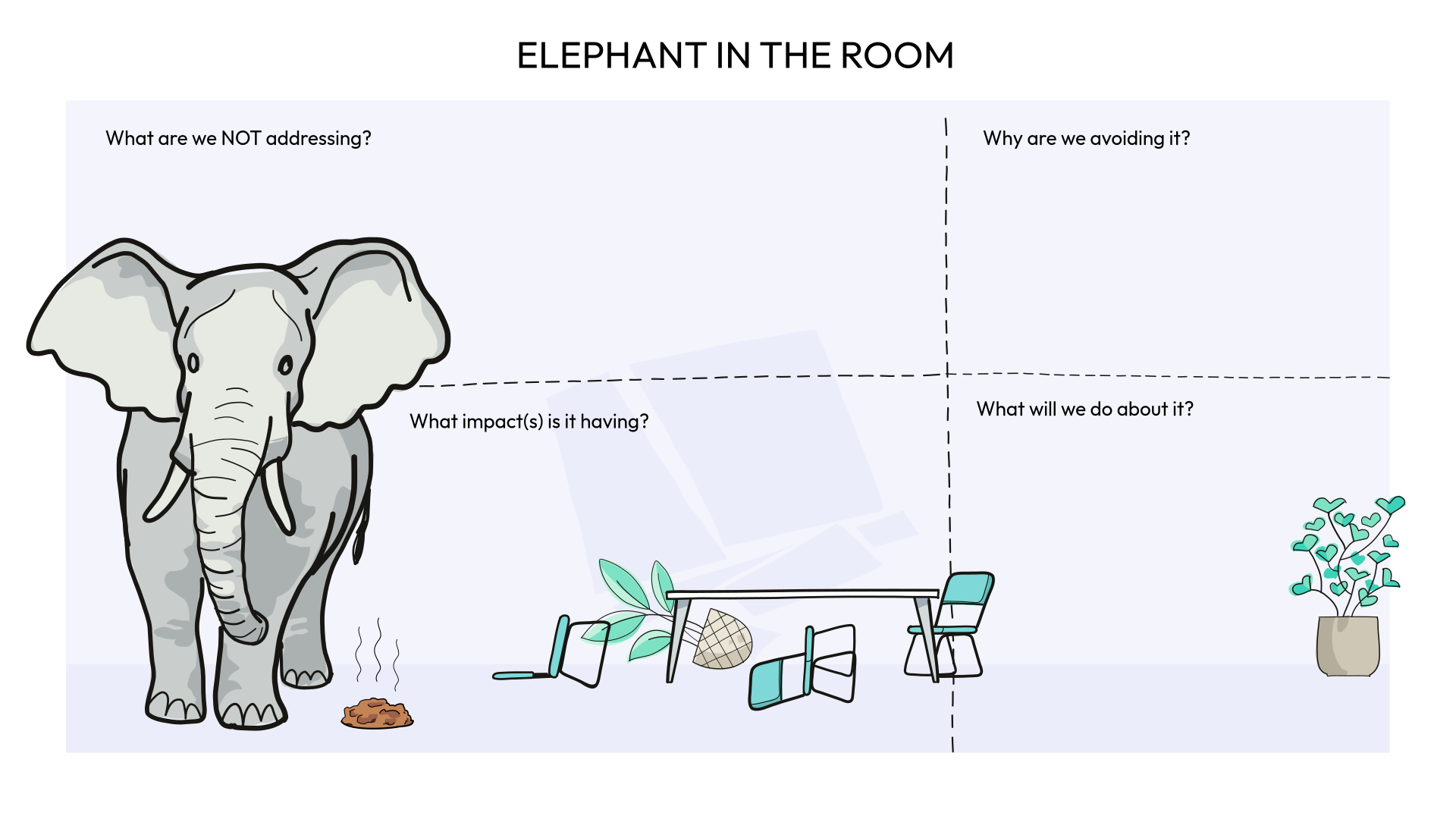
Show the essential sequence of a journey or process toward a goal.
Use this templateView template details →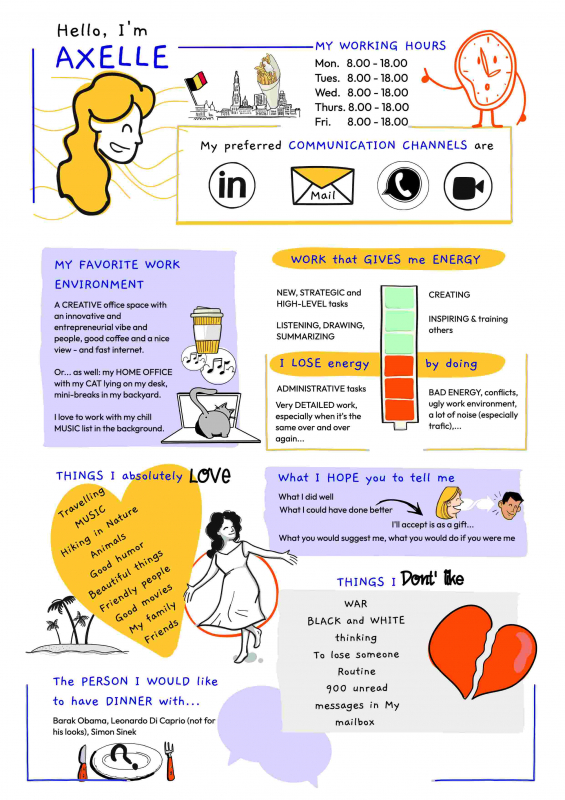
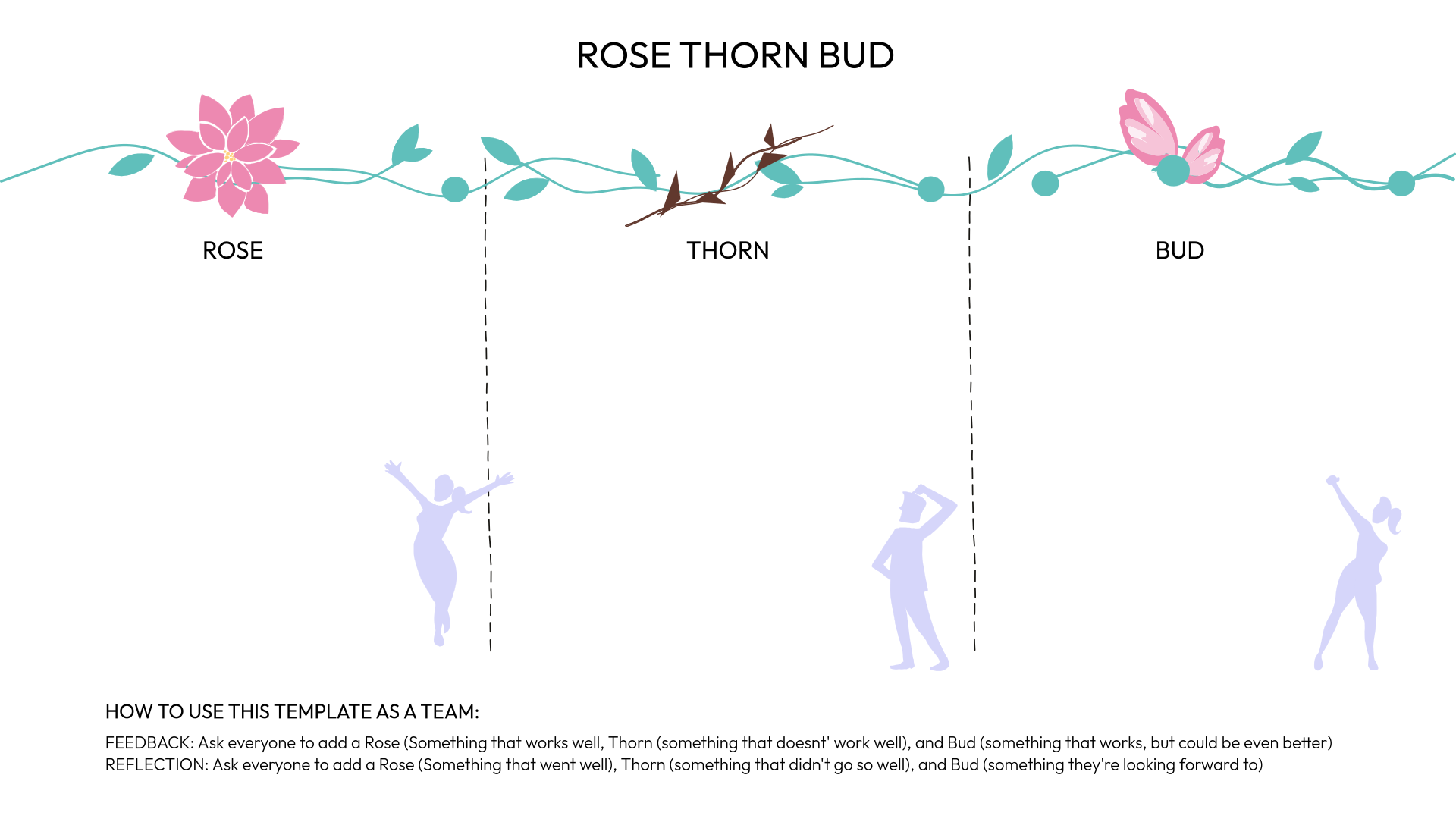
Explain how you work, communicate and collaborate in a structured visual.
Use this templateView template details →Select a template to get started.
The Drawifiers
Choose illustrations created by professional Drawifiers around the world, then combine them to tell your own story.
Explore all Drawifiers →






 Ben CDrawify artist
 Jesper ODrawify artist
 Axelle VDrawify artist
 Andi RDrawify artist
 Martine VDrawify artist
 Susanne KDrawify artist
 Filippo BDrawify artist
 Erin GDrawify artist
 Nayos RDrawify artist
 Kristof BDrawify artist
 Klára KDrawify artist
 Frédéric DDrawify artist
 Olina GDrawify artist
 Piyuesh MDrawify artist
 Jimi HDrawify artist
 Mara CDrawify artist
 João RDrawify artist
 Bene VDrawify artist
 Alexandra ODrawify artist
 Verity HDrawify artist
 Jill GDrawify artist
 Ilse VDrawify artist
 Prowpannarai MDrawify artist
 Karl MDrawify artist
 Jens NDrawify artist
 Eric ODrawify artist
 Iris MDrawify artist
 Angelique DDrawify artist
 Victoria CDrawify artist
 Rana ADrawify artist
 Sarah GDrawify artist
 Kenny DDrawify artist
 Sothearat SDrawify artist
 Chance MDrawify artist
 Sondos BDrawify artist
 Heather MDrawify artist
What you can do with Drawify
Start with a template, explore a draft with Drawify AI, or build directly in the editor.
Turn processes, strategies and workshop concepts into visuals your audience can follow.
Start creatingTell it with hand-drawn illustrations created by professional Drawifiers around the world—without drawing everything yourself.
Start creatingEdit the words, illustrations, colours and layout until the visual says what you mean.
Start creatingSave your work and tailor it for your next client, workshop or lesson.
Start creatingIdeas and formats
Start with an editable visual. Keep your hand-drawn illustrations and adapt the words and layout for each audience.

Client decks
Show the client where handoffs break down, what you recommend and what should happen next.
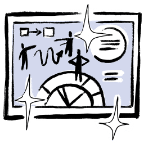
Workshop canvases
Turn the same handoff diagram into a group exercise. Ask participants to mark where work gets stuck.
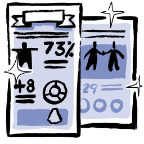
Training guides
Use the diagram to teach the new process. Highlight what each role needs to do before passing work on.

Team recaps
Reuse the visual in a team recap. Add the agreed changes, who owns them and when to follow up.

Social media posts
Pull one insight from the handoff diagram into an illustrated post. Show where work gets stuck and share one practical fix.
Integrations
Available now
Bring Drawify illustrations and projects into your workshop boards.
View the Miro app →
Available now
Add hand-drawn illustrations as you build your client deck.
View the Slides add-on →
Planned—not available yet
Turn ideas from a chat into a hand-drawn visual.

Planned—not available yet
Give a draft or summary a visual to help explain it.

Planned—not available yet
Add hand-drawn illustrations to the slides you present.

Planned—not available yet
Bring hand-drawn visuals into project notes and team guides.

Customer stories
Hear from people who use Drawify to explain ideas to stakeholders and make assessments more visual.
“Drawify makes creating visual stories simpler and easier to understand for our stakeholders.”
“Drawify has been a lifesaver for all of our assessments.”
Questions, answered
Everything you need to know before turning your next idea into a visual.
No. Start with a template and use ready-made illustrations to build your visual.
Yes. You can change the text, illustrations, colours and layout in the Drawify editor.
Drawify AI can help you start a draft. In the editor, you can arrange and edit individual elements and use hand-drawn illustrations from professional artists.
Explore available plans and what’s included on our Pricing page.
Usage rights depend on your plan. Check the commercial-use guidance in the full FAQ before sharing client work.
Contact Drawify to discuss accounts and workflows for your team.